

The Mzansibet app question, answered for people on a prepaid bundle
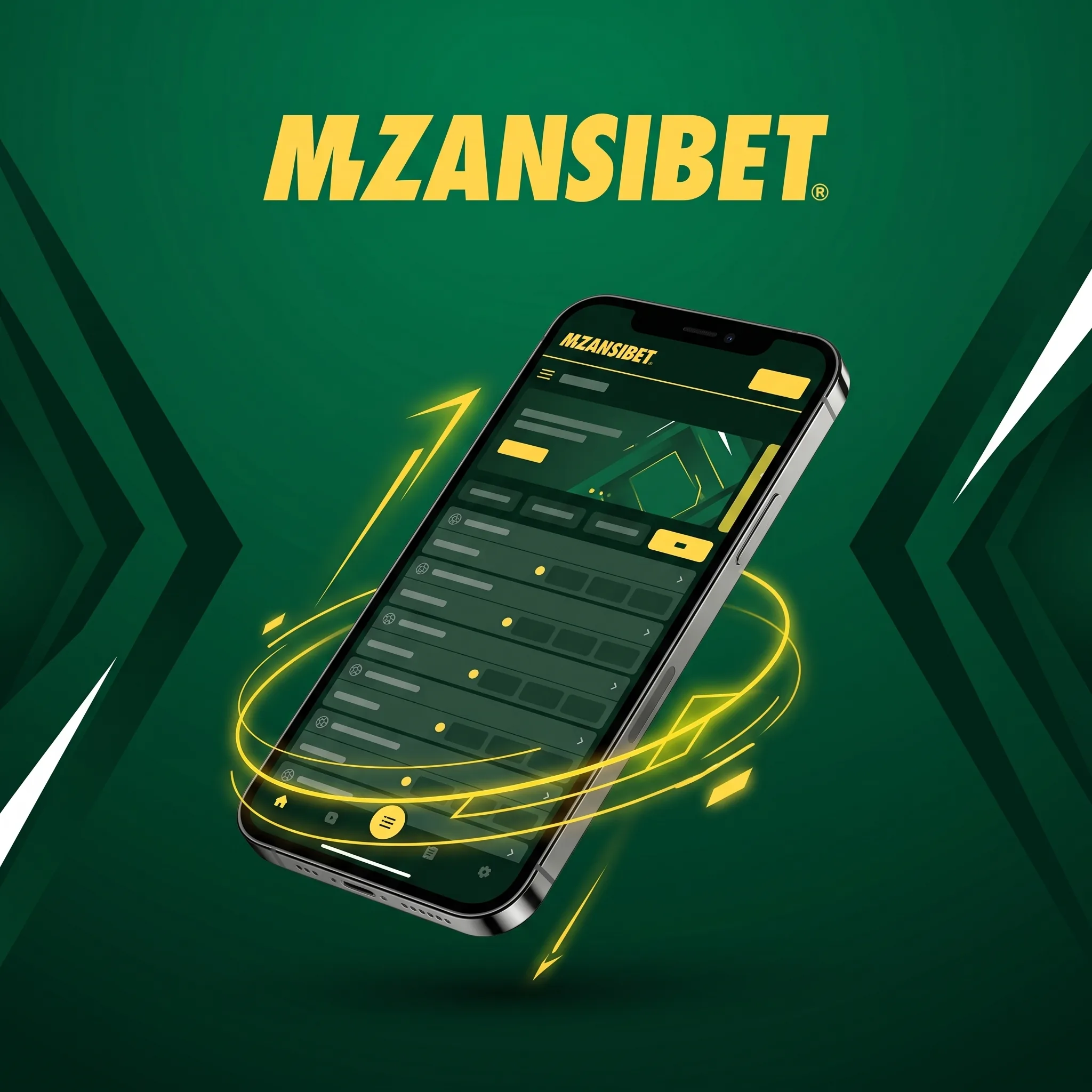
Search “Mzansibet app” and you are probably hoping for a download button. Current reviews describe a different setup: no native Android or iPhone app, and instead a responsive site that runs in the browser you already have. For most South African players that works out well.
What you get instead of an APK
The mobile site gives you access to Mzansibet casino and sports betting, so slots, live tables, crash and football betting all open from the same address. Layouts adapt to portrait screens, and menus collapse into a single lobby you can scroll with a thumb.
There is also a practical upside. Nothing to download means no storage taken from a phone that is already full of photos, no side-loading of files from unknown pages, and no update prompts. A browser reload gives you the newest version.
Make it behave like an app
Both major phone systems let you pin a website to the home screen.
- Android ChromeOpen the menu, choose Add to Home screen, confirm the name
- iPhone SafariTap Share, then Add to Home Screen
After that the Mzansibet icon launches the site in one tap, and on Android it opens without the address bar. Log in once and the browser can remember the session, though on a shared phone you should log out after playing.
Data: what a session actually costs
The site is tuned for 3G and 4G connections, so lobby pages and slot menus load light. Slots use little data once a game has loaded. Live dealer tables stream video all the time and use far more.
A few habits help on a prepaid bundle. Play live tables on Wi-Fi when you can, and keep slots for mobile data. Close other apps that refresh in the background, such as video feeds, and check your bundle balance before a long live session. If your network offers a night or low-data bundle, late evening is a good time for longer slot sessions.
Apple Pay, wallets and the phone cashier
iPhone users can deposit with Apple Pay in one tap. Other Mzansibet payment methods that suit a phone are Capitec Pay and Ozow for instant EFT, SnapScan and Zapper for QR wallets, and vouchers such as 1Voucher, Blu Voucher, OTT Voucher and EasyPay if you want to keep card details off the device.
Most routes start at R10 to R50. A welcome bonus needs at least R50.
Load-shedding and weak signal
- The sensible rule is to finish any live hand or spin sequence before switching networks, and then reload the page and open your history to confirm the result.
- If a page hangs, do not keep tapping the bet button.
- Wait ten seconds, refresh, and check the balance first.
Which phone does it suit
A mid-range Android with a current Chrome copes with slots and the sportsbook without trouble. iPhones handle both too, and Apple Pay makes the cashier quicker. An older handset with little memory may struggle with live tables first, since video and a busy lobby together are heavy. If that is you, start with slots and the sportsbook, which run lighter, and see how it behaves before trying a live blackjack table.
Keep the browser updated and clear its cache now and then. A bloated cache is a common cause of pages that look half-loaded.
For free spins on your handset, the Mzansibet welcome bonus guide lists the eligible slots and the five-day release schedule.
When something looks wrong after an update
- Close the tab, reopen the saved shortcut and wait for the page to fully load before you place a bet.
- If a particular slot still refuses to start, try another one and tell live chat which title failed, along with your phone model and browser.
Keeping the account safe on a phone
Use a screen lock. Avoid saving passwords on a phone you share, and log out of the site if you hand your phone to someone. Your login is tied to the cellphone number used for Mzansibet registration, so keep that SIM protected too and tell your network if it is lost.
Browse from the real site address that you typed or saved, not from links in messages that look close but are not.
App and mobile questions
Current reviews list no native app. You use the mobile browser site.
Do not install files from third-party pages offering a Mzansibet APK. Use the browser and add a shortcut.
Yes. Casino and sports betting are both available on mobile.
Likely, if the browser is up-to-date. A slow handset may struggle with live tables first, so try slots.
More than slots, since video streams constantly. Use Wi-Fi where possible.
Yes, Apple Pay is listed among the deposit routes on iPhone.
Refresh once, log back in and check your game history before retrying.

Written by Naledi Botha
Editorial pseudonym · Updated